Time to become Awesome!
Awesome is a subscription to an additional set of FontBase's features. Subscribing to Awesome will tremendously help the development and allow us to work faster and implement new features.
Awesome Features
Font Licenses NEW
Set license seats for any font, sync between your team, limit usage and monitor font activations.
Team Members NEW
Add and remove team members at any point, see who is online and how many fonts they are using.
Auto-activation
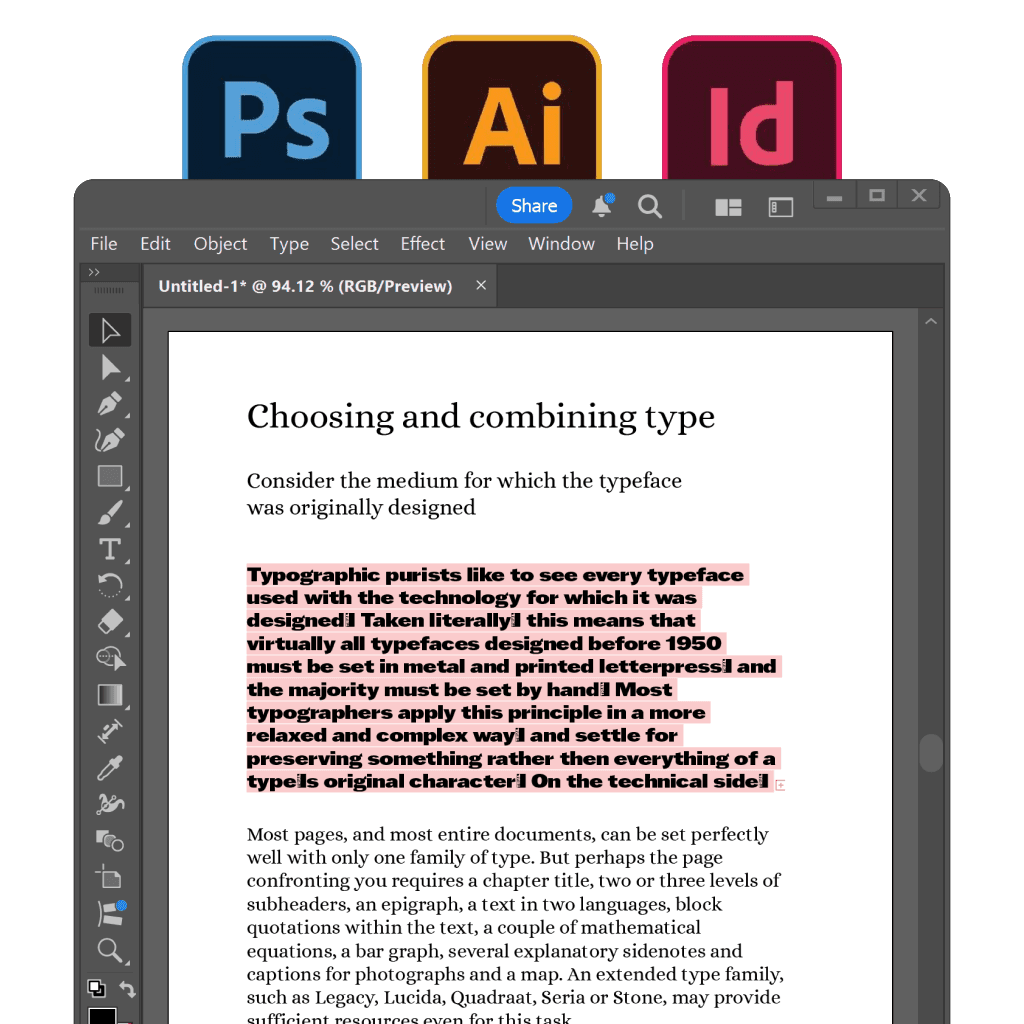
All missing fonts are activated automatically in your Photoshop, Illustrator or InDesign documents.
Glyphs+
View and copy any glyph for any language and any font in your collection (full access).
Tags
Manage and search through tags. Contribute to a growing database of community curated tags.
SuperSearch
Find fonts based on the properties that actually matter: contrast, proportion, x-height and weight.
Playground+
Play around in Playground tab, applying styling to H1, H2, and other page elements. Export the generated CSS for your web based projects.
Collection Sync
Sync your collections across computers using any cloud drive (Dropbox, Google Drive).
Multiple Views
Use more screen space by viewing your fonts in a tight and clean grid.
Themes
Switch between classic, dark and light themes — whichever is more pleasing for your eyes.
Questions?
General
+Why do I need Awesome, again?
Well, you can use FontBase for free forever, if you wish! That's totally fine. But, if you want a set of extended features, you definitely need to try Awesome. You will also support the development a lot, and with your help we are going to create the best font management app you can dream of!
+Why is Forever so damn expensive?
If you think about it, it's actually not. Look, take a closer look at any pricing of any major software. Most of it offers you a license for a year, maximum. So after that year passes, you need to buy another license. And then another one. And another one. Or they sell you a version of the app and then charge you for every major update. The same price. So we decided to offer you one single price, for all updates, forever. Like, absolutely forever. No need to pay every year, or for every update. Just a single payment, and that's all!
+So I have subscribed. What's next?
First of all, thank you!! Second, after you have subscribed, you will receive an email, asking you to set a password for your account. Follow the link and create a password for your account. And that's all! After that, you can use your email and newly created password to log in into Awesome inside FontBase app. Just click the 'Become Awesome' label on the top right, and select 'Login'.
+Can I change my subscription type?
You definitely can. Just log in into your Web Dashboard. If that is your first time accessing the portal, you need to register first. Just enter the same email, that you have used for the subscription, and you will get an email with the registration link. You can change your subscription type, payment method and billing address in the portal.
+Can I unsubscribe?
We will totally miss you, but you definitely can unsubscribe at any time you wish. Just login to the Web Dashboard and click 'Unsubscribe' at the bottom of the page. Your subscription will be cancelled at the end of current billing period. Or just write us an email.
Security
+How do you handle my personal data?
+What about multiple computers?
You can use FontBase Awesome on 2 personal computers at the same time. You are not restricted to specific computers, but you can only use it on 2 computers at the same time. For work purposes and organiszations, you need to buy a separate subscription for each individual user, or contact us to setup a multi-seat account.
Other
+How can I contact support?
+How often are you going to add new features?
Probably once in two months or so. We really want to do that even more often. We will still add new features to the free version, too, along with the Awesome-only features.
+What happens with FontBase's free version?
Nothing at all! FontBase will always stay free, forever!